
The management system doesn't connect? How to connect it, even without an API
“Our management system doesn’t connect to anything” is one of the phrases we hear most often. So the orders arrive in PDF format, someone manually downloads them from the suppliers’ portals, and the data is transferred from one program to another using copy-and-paste.
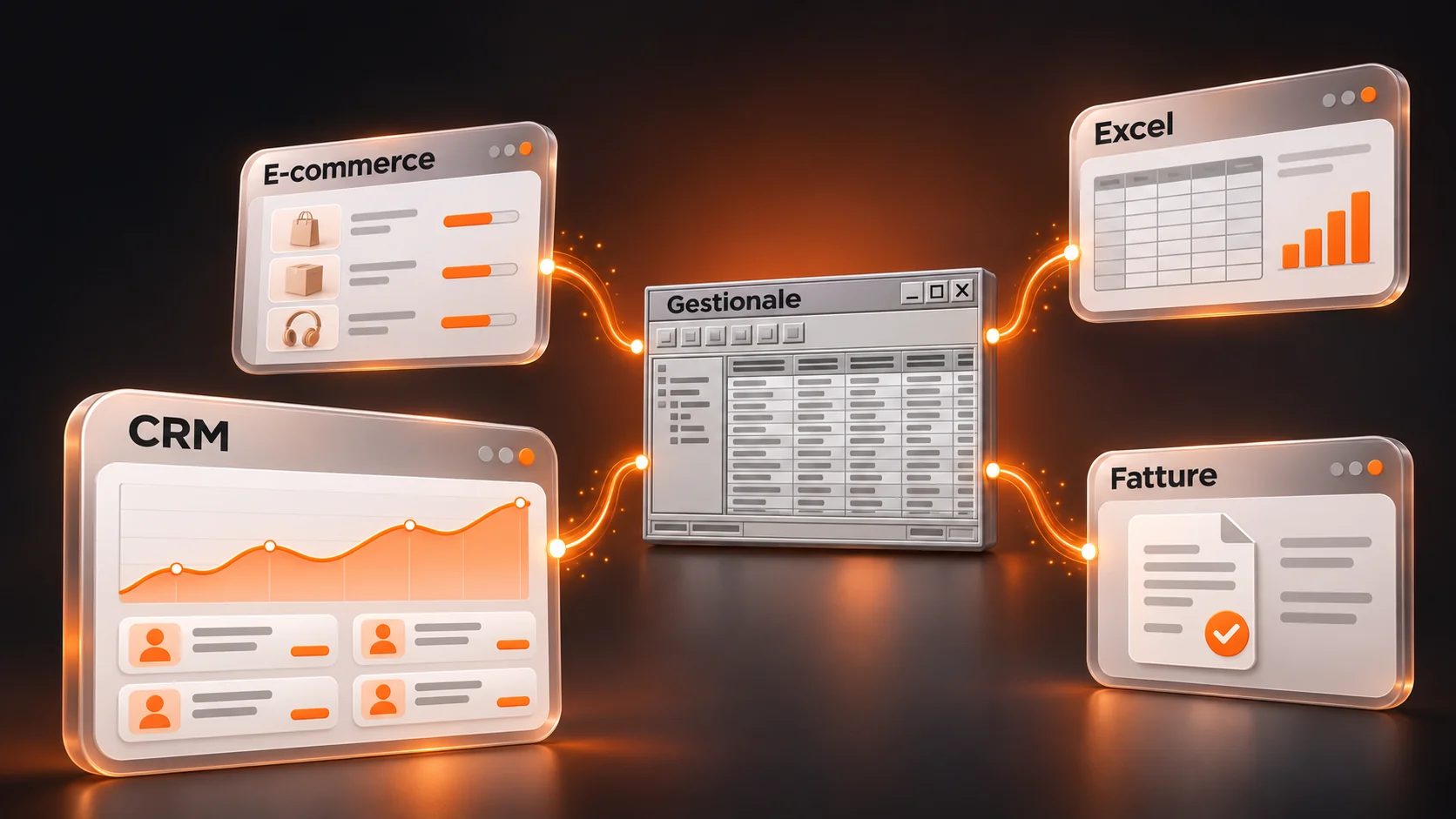
If your management system does not connect to e-commerce, CRM or Excel, there is almost always a way to connect it without changing it. There are four ways, and here we look at which to choose, case by case, and where to start.
Why the management system does not connect to other software
To connect two software programs usually requires the APIAccess doors through which a program exchanges data with another in an orderly manner. Many management systems installed for years do not have them, or they are paid for and limited. This is not a rare problem: according to the Nomisma-UniCredit study, 43% of SMEs work with systems that do not communicate with each other (ANSA).
The good news is that the absence of APIs doesn’t end the game. It just changes the path.
How to connect the ERP system: the 4 ways
| Street | How it works | When it pays off | Limits |
|---|---|---|---|
| 1. API and connectors | The programs exchange data directly | Always, when they exist | Not all managers have them |
| 2. File exchange or database reading | The management system exports and imports files, or the data is read from its database. | Dated management tools that know how to export when a periodic update is enough | Data not in real time |
| 3. Automation | A robot repeats the same clicks and keystrokes over and over again. | Stable screens, high volumes, data organized | It breaks if a screen is changed |
| 4. AI agent that uses the computer | The AI looks at the screen and decides where to click | Documents and screens that vary, average volumes | Slower and more expensive to operate, it can make mistakes |
Order matters: first we look for an API, then file exchange, then fixed rules; only where flexibility is needed do we use the agent. It’s the same logic we use to decide when to use AI and when not to.
Connecting the ERP to…: the most common cases
For e-commerce (Shopify, WooCommerce, PrestaShop)
Usually products, prices, inventory and orders need to be synchronized. E-commerce platforms have documented APIs; the problem is almost always the ERP system. If it doesn’t have APIs, a common solution is to export inventory at regular intervals and import orders as files.
To the CRM
Here, customer data, estimates, orders, and sales per customer are processed. First, it must be decided which system “commands” each data point. Then a connection is created that prevents duplicate entries from being generated. To better understand what can be connected to the CRM, see Quotes & Intelligent CRM.
In Excel or Google Sheets
Often the request is an updated report without manual exports. In this case, a scheduled export or a read-only link is sufficient. The risk to avoid is that the sheet becomes a second management system, with manually modified data that cannot be reverted.
To electronic invoicing and accounting
Electronic invoices are structured XML files, so they are read automatically. The typical bottleneck is not the sending process, but the invoices from suppliers that need to be recorded and matched with orders: this is one of the flows that we automate with Document & Process Automation.
To the portals of suppliers, customers and carriers
They are the most difficult case: everyone has their own login and rarely offers APIs to anyone who is not a big customer. This is where screen automation and automation come into play. AI agents.
How to get started: 3 steps
- Analyze the "copy and paste" process. For a week, record every time someone transfers data manually from one program to another: which program, how many times, how many minutes.
- Ask the management provider if they have APIs or connectors. Often they exist and no one knows about it. Sometimes they are included in the license.
- Choose the path for each activity. API if necessary, file if a periodic update is sufficient, fixed rules if screens and data are always the same, an agent only when flexibility is needed.
Frequently asked questions
Why doesn't my management system connect with other programs?
Usually because it doesn’t have APIs, or it does have them but they are not active in your license. In software installed for many years, data exchange was not provided for, or it was only provided through file export.
How do I know if my management system has the APIs?
Ask the provider or reseller three things: if there are APIs or web services, if they are included in your license, and if there is documentation. Also ask if the management system can automatically export files at fixed times.
Can a management system be connected without an API?
Yes. The alternatives are automatic file exchange, database reading, screen rule automation, and AI agents that use the computer. The choice depends on how often the data changes and how much the screens vary.
Do I need to change the management software to connect it to the other software?
Not necessarily. Changing management is a long-term project that affects the entire company. It makes sense to evaluate it if the software is no longer up to date or if the necessary connections are too many, but it is advisable to first check the four options.
Does artificial intelligence serve to connect two software systems?
Often not. An API or file exchange solves most cases without AI. AI is useful when you need to read unstructured documents, such as always-different PDFs, or use changing screens.
How long does it take to connect the ERP system?
It depends on the route and the number of systems involved. For a single workflow, our experience is that it takes only a few weeks to go into production (see our success stories).
Where Nevance comes in
Our work is connect the business software that you already have, without forcing you to change them. In the case of a hotel in Alto Adige, For example, the system checks availability in real time by connecting to the existing ERP system via API or interface automation, and the manager always approves prices and shipments. We choose the simplest path that works: it’s often not an AI agent.
Do you want to understand how to connect your ERP system?
In a free 50-60 minute Discovery Call, we look at your software and tell you how to connect it, and whether the AI really serves your needs.
 Italiano
 English
 Deutsch